Resize is not the same as crop
Resizing changes the number of pixels. Cropping removes part of the composition to achieve a target aspect ratio. Stretching forces a shape and may distort people or objects.
Choose a preset first
For landscape thumbnails, start with 1280 × 720. For a square profile photo, use 1080 × 1080 or 800 × 800. Vertical story-style assets commonly use 1080 × 1920.
Fit versus cover
Choose crop-to-fill when the final canvas must have no empty space. Choose fit-inside when the whole image must remain visible, adding padding where the ratios differ.
Export and review
Use PNG for graphics with sharp lines, JPG for smaller photographic files, or WebP where your destination accepts it. Check output dimensions and inspect whether the crop removed anything important.
Resizing a small image upward increases its dimensions without creating real detail. For social thumbnails, inspect whether the important subject is still visible near the edges after cropping.
- Crop to fill: keeps the subject proportional but may remove content near the edges.
- Fit inside: preserves the entire image and adds padding when the aspect ratios differ.
- Stretch: fills every pixel but can distort faces and circles; use it only when proportions do not matter.
Crop, fit and stretch compared
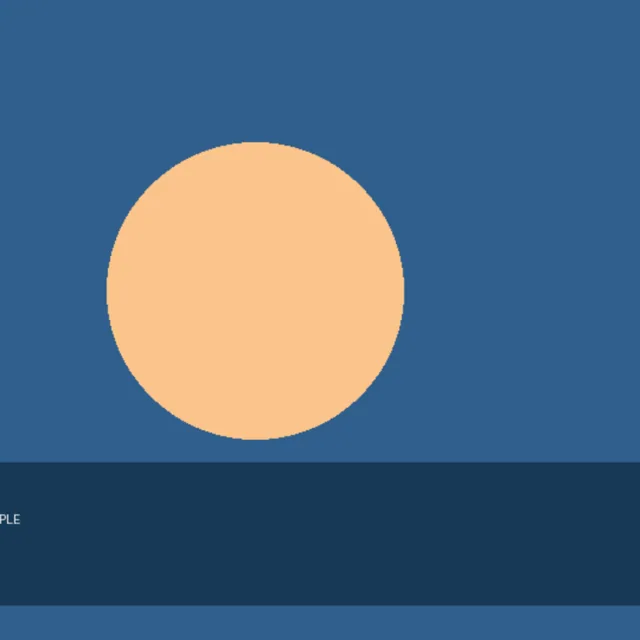
Our test image was 960 × 540 pixels (16:9). We requested a square 1080 × 1080 output using Crop to fill and verified that the downloaded PNG was exactly 1080 × 1080. To fill a square without stretching the original, the editor must cut off roughly 210 source pixels from each side of this particular landscape image, then scale the central 540 × 540 region to the chosen output size.
Worked example: landscape to square
Related guides
Predict what a square crop removes
Center-cropping 960 × 540 to a square uses the middle 540 × 540 of the source, losing about 210 pixels from each side. Fit inside keeps the whole scene. If people are close to the sides, compare both results before sending the file.