Why sharpness is measurable but quality is subjective
A simple algorithm can compare edge detail and contrast, but it cannot decide whether the subject is smiling, whether the composition is good, or whether a particular moment matters to you.
How our shortlist works
The Best Photo Finder samples a limited number of timestamps across your video and computes a score from changes in neighboring pixels, average brightness, and contrast. We deliberately call this a heuristic rather than claiming a trained AI model.
Review results and download originals
Look through the ranked thumbnails, then save the frame at source video dimensions. Scores are relative within one video, not quality grades you can compare between unrelated videos.
A practical tip
If all sample frames seem blurry, rescan a shorter clip containing the moment you care about. Higher source video resolution does not guarantee a sharp still.
- Scan a short segment rather than an entire hour-long recording.
- Inspect the top candidates for eyes, expressions, composition, subject position and unwanted motion blur.
- Download several nearby moments if you are unsure; the difference between two adjacent frames can be significant.
- Keep the original video. A ranked result does not replace the recording.
How to use the shortlist effectively
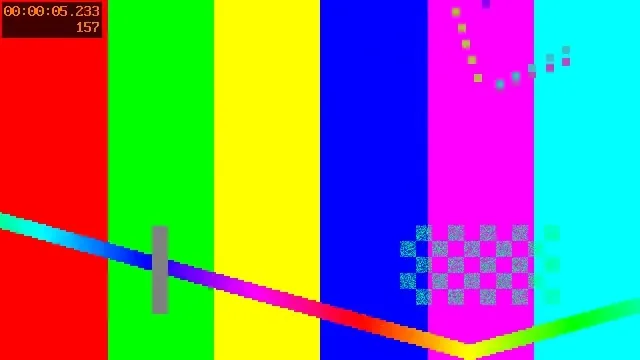
We tested a six-second, 30-fps H.264 sample by scanning twelve evenly spaced timestamps. The tool ranked the results and showed eight top candidates, with an option to re-extract each from the original video at its decoded dimensions. That test verifies the control flow, not that the algorithm would pick the best wedding or sports photo.
Reproduce our small test
Our local scanner compares downscaled candidate frames using edge detail, exposure and contrast. A well-lit image with visible texture often scores above a dark, soft-looking one. But a frame of a detailed wall may outrank an expressive face; a scoreboard might outrank the decisive play. The score is a shortlist aid, not a quality guarantee and not face- or smile-recognition AI.
What the score actually measures
Related guides
Compare the subject at full size
Use the shortlist to choose two or three timestamps. Save the corresponding frames or inspect nearby moments in the extractor. On a soccer clip, compare the player’s face and ball edges rather than the texture of the grass. Scores are relative and are best used within one scan.